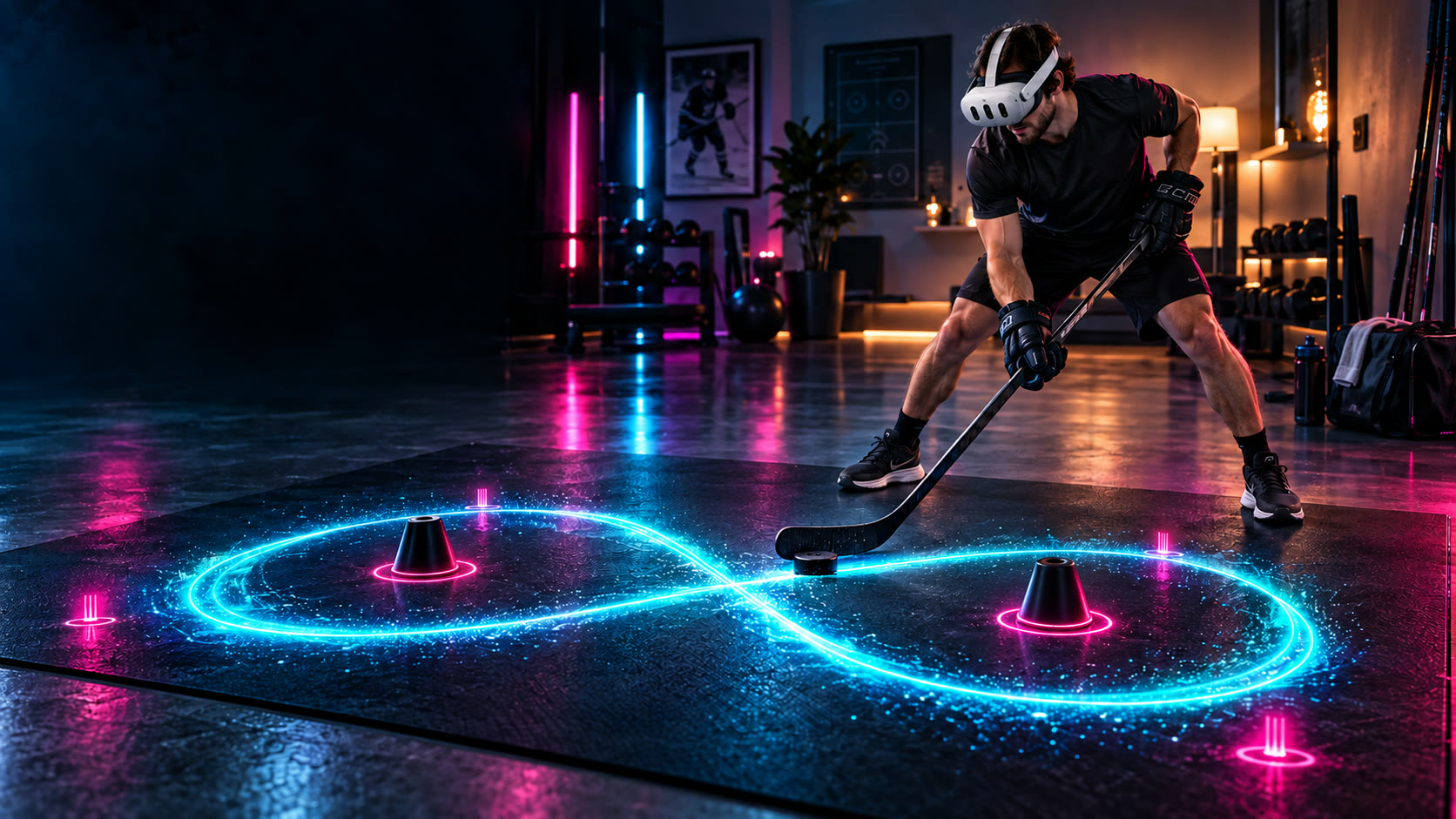
Real-puck hockey / Plan your playspace
YOURFLOOR.YOUR GAME.
A clear floor. A familiar stick.
A new world of stickhandling.
MAKE ROOM
FOR YOUR
NEXT ROUND.
We are designing Puck Arcade around a clear 10 × 8 ft floor area: 80 square feet, or about 3 × 2.4 m. It is a planning target for real-stick, real-puck play. Supported sizes will be established through beta testing.
Choose a space with room for your stick movement as well as the puck. A marked headset boundary describes the room you can move in; it does not mean the puck is visible to the tracking cameras everywhere inside it.
Clear floor.
Room to move.
Allow clearance for the stick and puck. Keep furniture, other people and pets out of the active play area.
Good light.
Visible puck.
Use even lighting and useful contrast between the puck and floor. Glare, clutter and occlusion can affect detection.
Calibrate.
Find your area.
Follow setup guidance to establish the useful camera-visible floor area before starting a round.
SPACE TO
PLAY.
Boundary size and
tracking coverage explained.
Is 10 × 8 ft a supported Quest hockey playspace?
It is our Puck Arcade design target, not a certified tracking guarantee. Meta’s current general roomscale guidance recommends 6.5 × 6.5 ft (2 × 2 m) or larger. A larger clear floor can give you more room for stickhandling, but Puck Arcade’s supported dimensions and equipment will be confirmed through beta validation. Meta’s roomscale guidance ↗.
Does that mean the game requires 10 × 8 ft?
We have not announced a minimum supported area. Meta’s current roomscale submission guidance says an app must be completely usable within a 6.5 × 6.5 ft play area. That is a platform requirement for developers; it does not establish that this game has already passed testing at that size. Beta participants will receive the actual setup requirements before joining. Meta’s roomscale requirement ↗.
Why can a puck leave tracking inside my boundary?
The camera image covers a smaller area than the passthrough view you see in the headset. A puck near your feet or at an edge may be visible to you yet outside the image used for tracking. Your head position changes which floor area the cameras can see. A stick or body can also obscure the puck. A bigger boundary alone does not solve those limits.
How does Puck Arcade design around camera angles?
Calibration checks camera-to-floor coverage and learns the puck’s appearance across the floor. Floor-first layouts place action in the useful view. The tracker can select a clearer camera view during setup and use the secondary camera for validation and recovery when needed. Sustained loss guides reacquisition rather than treating unseen puck motion as reliable input.
What equipment should I prepare?
Puck Arcade is being built for Meta Quest 3 and 3S, with a real hockey stick. A black puck, Green Biscuit and red Franklin ball are currently tested on hardwood flooring. We’re looking for beta testers to help expand floor and equipment coverage and share diagnostic logs. Your invitation will explain setup, calibration and how to share logs.
The floor is yours.
BE FIRST
ON THE FLOOR.
Get the setup details with your beta invitation.
Help shape the next way to play hockey.